Today
- Fix broken linksLate
- Shorten 12 titlesToday
- Read the monthly reportFri

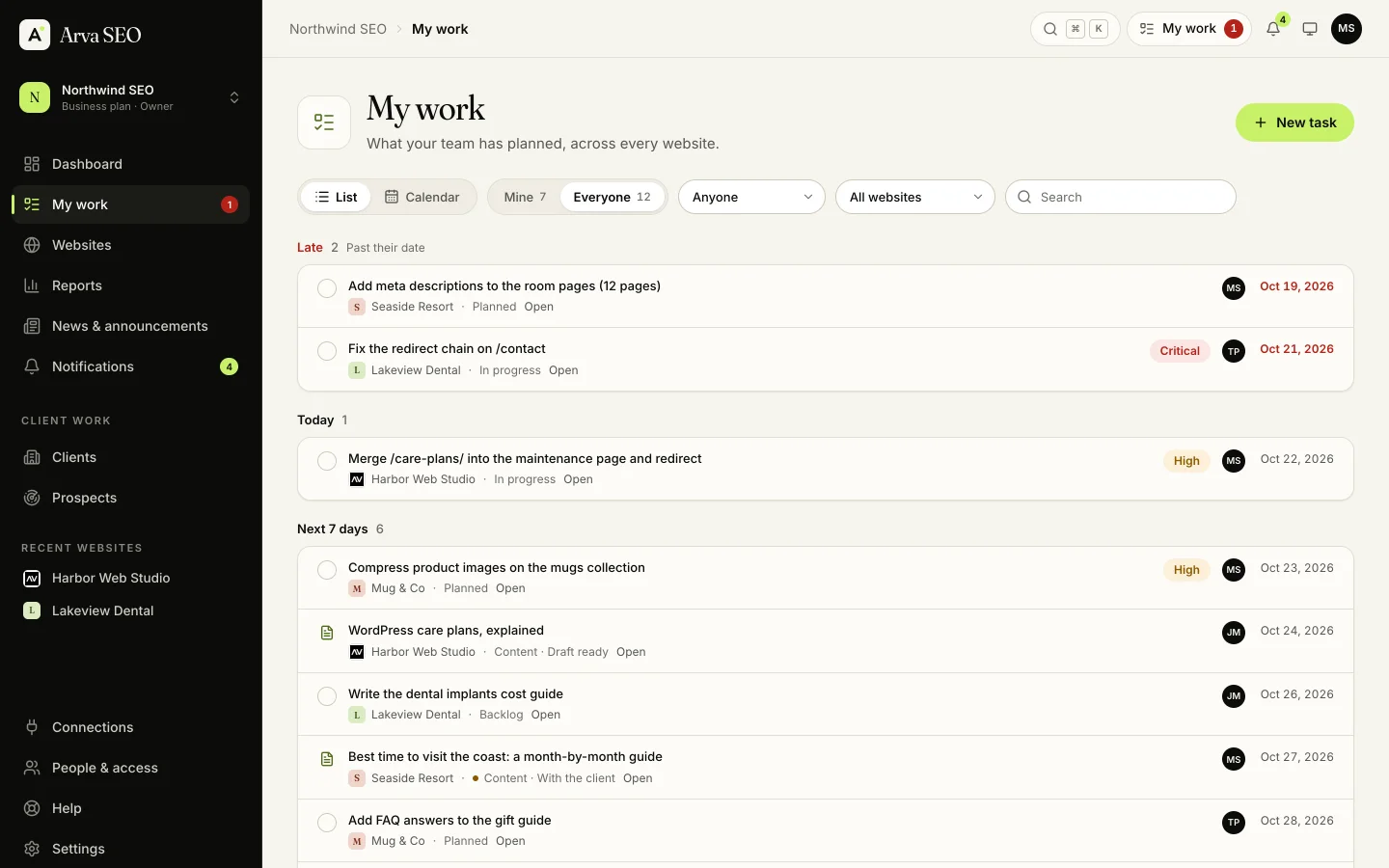
Arva SEO keeps tasks, content and due dates next to the data they come from, so nothing slips between websites and the next audit confirms each fix.
Free for your first website. No credit card required.
01My work
02From data to tasks
Tick the issues to work on, choose who and when, and create every task in one go. The next audit shows whether each fix worked.
Page fixes, pages competing for one search, WordPress health findings and your own to-dos, each with what to do.
Give each article an owner and a live date, and send it to the client for approval. A dot shows what’s waiting on them.
03Also included
04Plans
Extra team members are $7 a month each on paid plans. Compare the plans.
Yes. Every task and content piece can have an owner and a due date. They’re told, and it shows in their My work. Everyone shows the whole team’s plan, with each person’s initials.
For SEO work, it can: tasks come straight from your audits and data, and the next audit shows whether they worked. Many teams keep their general project tool for everything else.
Free has 1,000 active tasks. Paid plans have no limit on tasks.
Everything about a website in one workbook: an overview, the benchmark, keyword research and mapping, rankings, the technical audit, redirect mapping, internal links, backlinks, competitors, completed tasks, the activity log and reporting data, for Excel or Google Sheets.
06Related features
Search Console, Google Analytics 4 and Bing side by side, from search to sale.
Branded PDF and scheduled reports, and a client portal on every plan.
About 60 checks on every page, an SEO Health score and a fix list.
Briefs, an editor with AI help, a live score and drafts sent to WordPress.
07Start today
Create an account in a minute, run your first audit and turn it into tasks. No credit card required.